Free & Premium
Moodle LMS & WP Plugins
Do not re-invent the wheel, save time & money by implementing our Free & Premium Plugins, Scripts, Utilities and Reports.



Razorpay Payment Gateway Plugin for Moodle
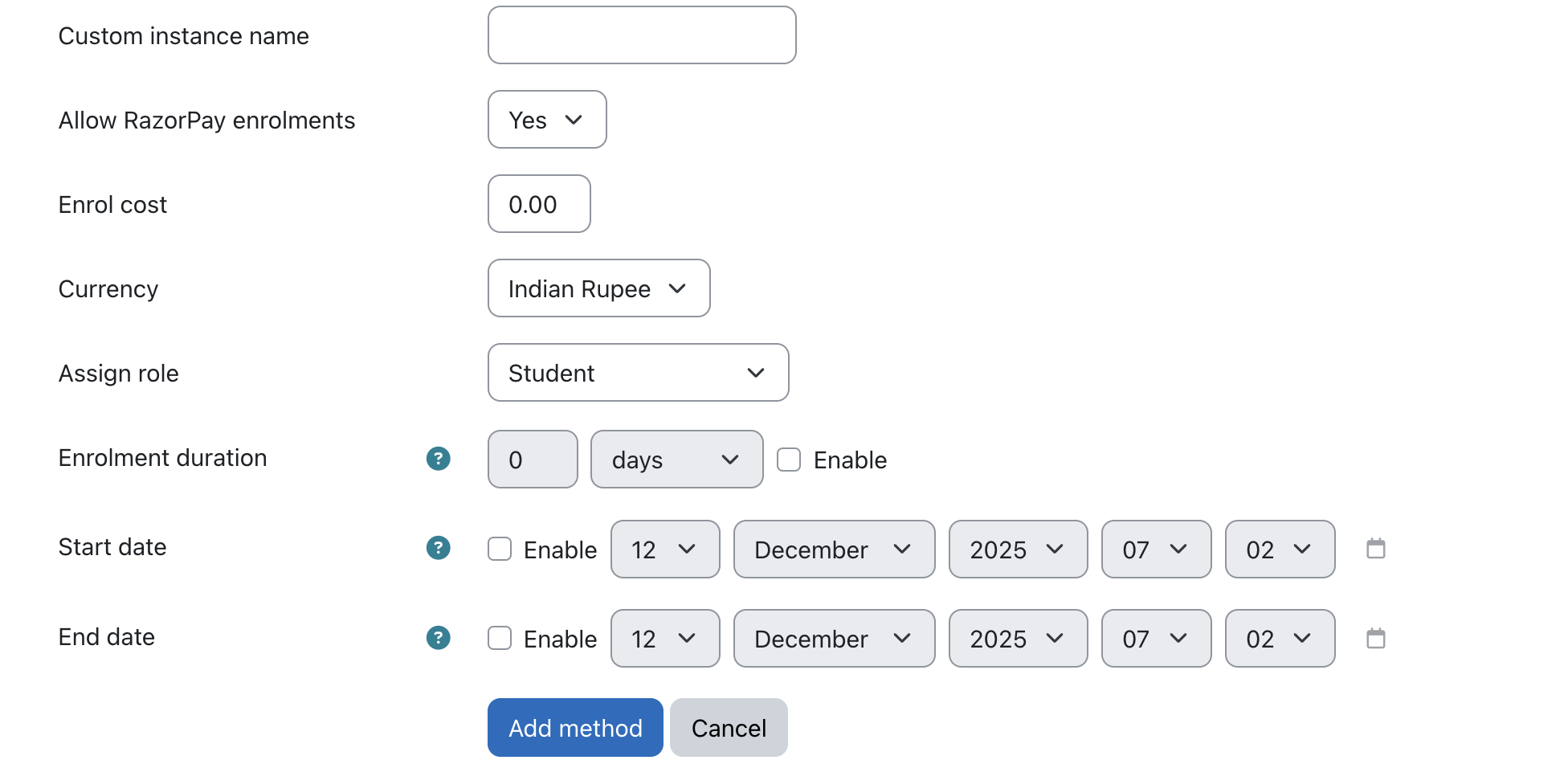
The Razorpay Payment Gateway Plugin for Moodle enables seamless, secure, and fast online payments for course enrolments. Designed to integrate natively with Moodle’s existing enrolment system, the plugin allows learners to pay using multiple payment methods—including UPI, cards, net banking, and wallets—and get enrolled instantly upon successful payment.
Key Features

Salient Features

Coding Standards
All our plugins adhere to the Moodle LMS coding standards and are tested in the most recent versions.

Free Technical Support
Get the free technical support of our tech experts to install the plugins and fix any issue.

New Release Compatible
We regularly work to upgrade the plugins as soon as a new version of Moodle is released.

Deliverables
Plugin, Operational manual, Support to help with the installation & configuration.

within 7 days. (T&C apply)


Frequently Asked Questions
How does the auto-enrolment work?
Once a user completes the payment, Razorpay verifies the transaction. After successful verification, the plugin automatically enrols the user into the selected course—no manual intervention needed.
Where are the transaction details stored?
All transaction details—including payment ID, order ID, amount, status, and user info—are stored securely inside Moodle for admin reference and record keeping.
How do I configure the plugin?
Admins can configure the plugin by entering the Razorpay Key ID and Key Secret in the plugin’s configuration panel found in Moodle’s admin settings.
Is there a payment button visible to students?
Yes. The plugin adds a Razorpay payment button directly on the course enrollment page, allowing users to make payments quickly and easily.
Does the plugin support discount coupons?
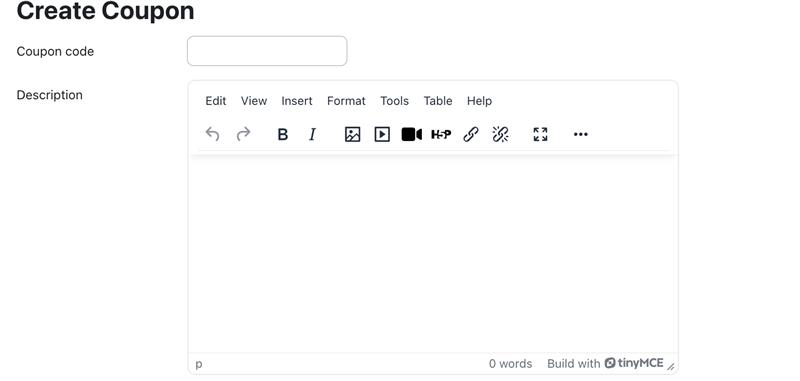
Yes. The plugin includes a built-in coupon system where admins can create, manage, and apply discount codes. Learners can apply these coupons during payment to reduce the course fee.
Is the plugin compatible with Moodle’s existing enrolment methods?
Absolutely. The plugin works seamlessly with Moodle’s built-in enrolment system and does not interfere with other enrolment methods.
Can admins view or manage past transactions?
Yes. Moodle admins can view stored transaction records, check payer details, and verify payment status at any time.
Does the user need to create a Razorpay account?
No. Only the Moodle admin needs a Razorpay Merchant account. Learners simply make the payment using any supported method.

Contact us for any new requirement or query
If you need any Moodle LMS & WP Plugins development or customization of an existing plugin, drop us a message below.
.png)
1500+
eLearning Assets
.png)
10+
MoodleTM LMS & WP Plugins

5000+
Users

100+
Languages
Disclaimer: All Products, Logos and Company names are trademark(TM) of their respective holders. Mention of those on our website do not imply any affiliation with or endorsement by them.